July 8th, 2022
Building a PC
Every time I mention I am a PC gamer, they always ask me the same two questions: Did you build your gaming PC by yourself? How much did it cost you? And when I tell them I put it together piece by piece, it impressed them. But I don’t feel that such a thing should impress them. Assembling a computer is much easier than it might seem and more so today that everything is on the internet and having a computer of this style is becoming more and more common.
Over a year ago I decided to build a PC to play video games, I had always played on a console before but there are some exclusive PC games that made me switch platforms, plus I knew that the performance of a computer with the right specs is far superior to any console, and like any gaming enthusiast, I knew that any professional player, even live tournaments and important cups are played on a base PC and my thought was that if I wanted to be good at any game, I had to play on PC, something that after a year playing on PC I don’t I think anymore. I wanted all the benefits of having a computer powerful enough to play video games, with a computer I could do homework, have online classes, and play at the same time, doesn’t that sound incredible? Having a desktop PC gives you comfort that you would not have imagined until you had one, you have a screen large enough to play, work, watch movies, and many other applications, you should not worry about temperatures compared to a laptop and having a comfortable chair ensures that your position is safe and you would be ready to play or work for hours.
Is it affordable?
Now, what can we say about the price, it is indeed a very important section to consider, because of course I can imagine having a computer with incredible specifications, with a state-of-the-art processor and one of the most recent NVIDIA graphics cards, but Obviously it is not easy to afford it. You can dream but you won’t have anything until you have enough money, it’s sad, but that’s the way things are. That is why today the phrase “Budget PC Gamer” is becoming very famous, which refers to buying a computer that for a correct price you get relatively good quality and in reality it is what we all look for, the best quality for the lowest price. Unfortunately, the prices not only of computer hardware but of any other electronic device on the market have been greatly affected by a disease that seems to have no cure, prices have risen a lot and today more than ever it is more difficult to find a PC with the characteristics you are looking for. There is a shortage that makes life very difficult for a technology enthusiast like you and me, I recommend that you have patience and always be aware of the market, compare prices well and fully understand what you are buying.
My experience
If you entered this post, you are probably looking to build a gaming PC on your own but you may not fully know what you are getting into, at least that was my case. Let me tell you that it is not difficult at all, if you really want to have a PC I am sure you will do well. My experience building a desktop computer was very satisfactory, I really enjoyed assembling it piece by piece to get to a final product and I was inspired that this final product was going to help me a lot both professionally and for mere entertainment, it was a product that I was definitely going to enjoy, putting it together felt just like I was putting together a Lego but in this case, the instructions were nothing more than YouTube video tutorials and a bit of my own research.
Recommendations
Now that you know that building a PC is not as difficult as you thought, here are some recommendations that could help you in the process:
- Before buying any component you have to be very clear about what the other components will be, remember that not all accessories and components are compatible with each other, there are platforms such as Intel and AMD each with different components although they may be equivalent.
- Use reviews from other people about the products you plan to compare to guide you in the experience of other users and do not stay alone with as many reviews as you can.
- Compare prices, and check each online and physical store that you have at your disposal, you may find a very good price in one of these.
- Have tools at hand, your parent’s tools will do, you’ll need them to do the job.
- Be very careful with what you have in your hands, these things are fragile and cost too much to replace
- Investigate and learn about how to build a computer, understand each of its parts, how it works and how you should take care of it.
- Watch tutorials and informative videos that give you visual help to better understand what you will be doing, from my experience some are hilarious, I seriously recommend you to wander through YouTube, you may find your new favorite TechTuber.
- If you can, read the instructions for the components, it sounds like a joke but in reality, many cases and combinations of components are very specific, with so many products on the market, so if you have any specific doubts, look at the instructions, it may sound funny but I had to see my motherboard’s instructions to access the BIOS the first time.
- Use the screwdriver carefully, screw and unscrew subtly, remember that these are very fragile pieces so you must be extremely careful in this area.
- Always make sure of what you are going to do before doing it, you must be very clear about your next move, never do it because you think it is correct, first make sure that it is so.
- Enjoy the process a lot, I’m sure you’ll really enjoy building your new PC, always make sure you’re relaxed and don’t get frustrated if an incident arises because that can lead to other problems and we don’t want that.
Things to know
- Remember that some components are exclusively designed to include an Intel or an AMD processor, such as motherboards and some processors.
- Be very clear about the size of your computer’s cabinet, there are E-ATX or full tower, ATX or mid-tower, Micro-ATX, and Mini-ITX sizes. Look for the size of your motherboard to match the respective size of the case you are considering.
- Be careful when buying RAM, if you want to use the dual-channel for more memory speed, I recommend that the memories are both of the same size and of the same model.
- Research in-depth the power source you will use. Make sure that it meets the requirements that your components ask for, make sure that it has the correct voltage and it is recommendable that it has a power certification, even the bronze one is already assuring you enough and make sure that it has enough cables for the components of your PC, also research the specific product, it may have low credibility and is not recommended.
- Be very careful if you plan to change the cooler of your processor, remember that this is the brain of your computer so you must treat it with extreme care, if you plan to buy a liquid cooler make sure it is compatible with your processor or graphics card and above all make sure the radiator fits all the way into your cabinet.
- Remember that the SSD has a much higher speed than any HDD so if you can always choose one.
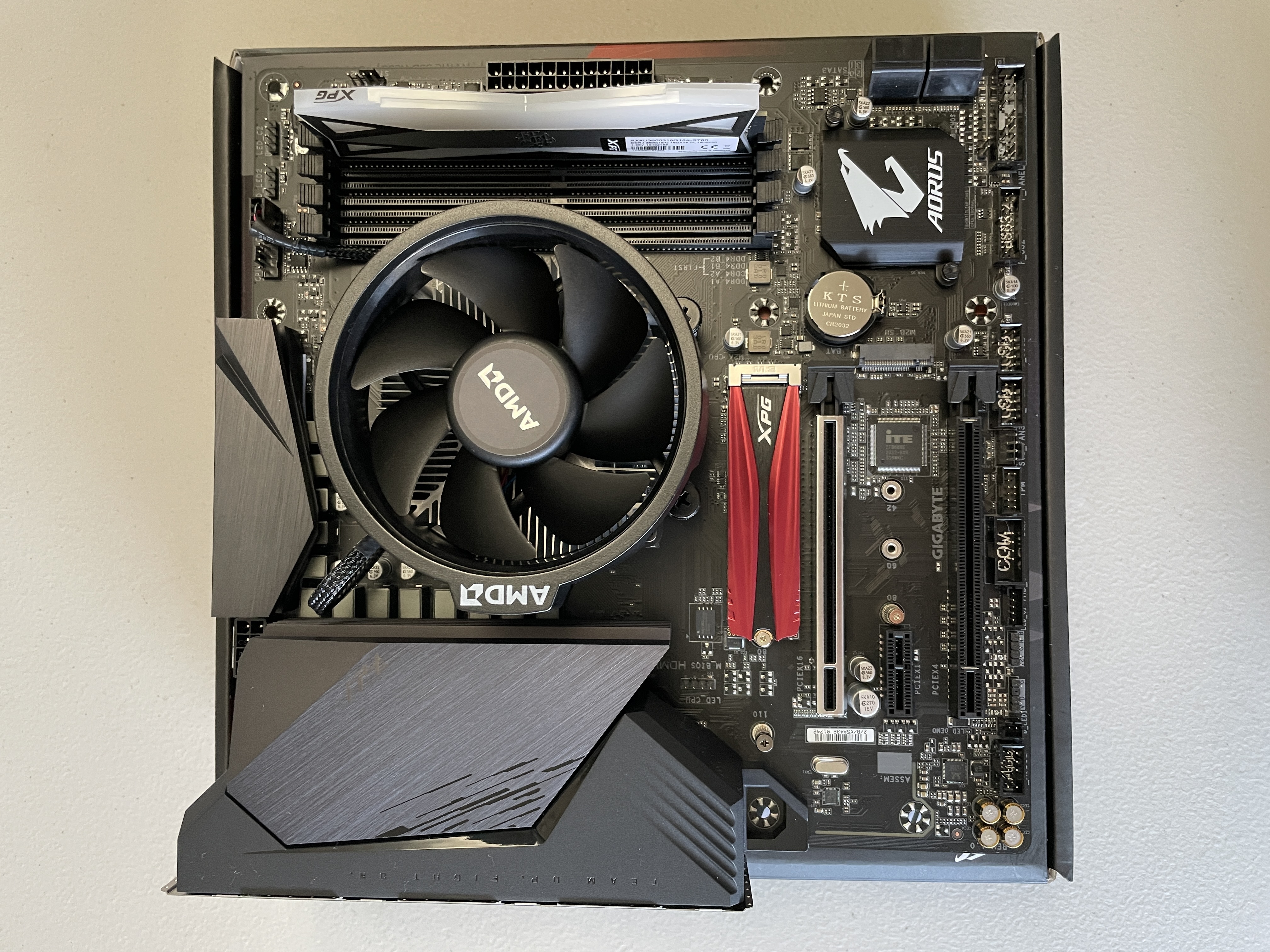
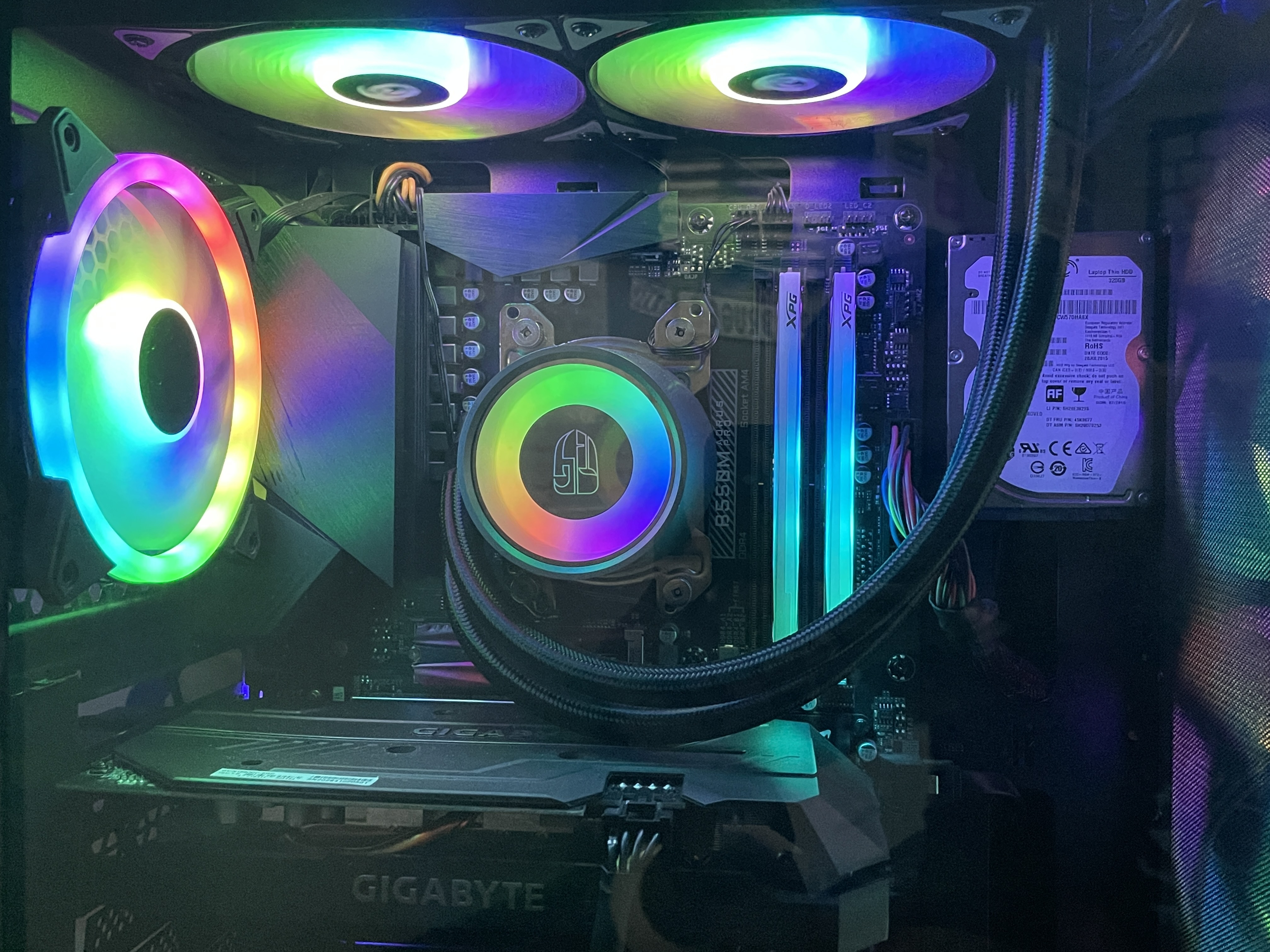
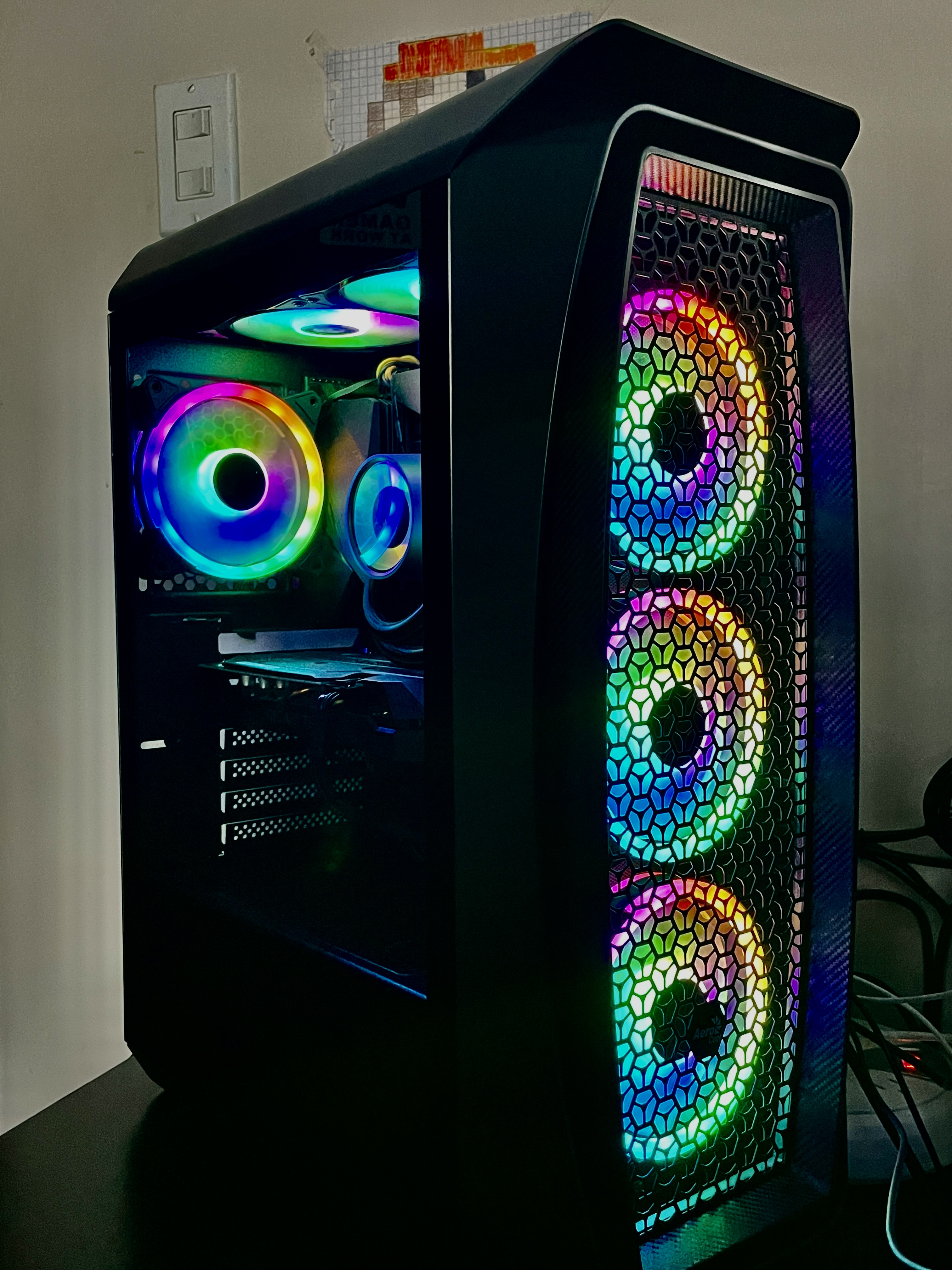
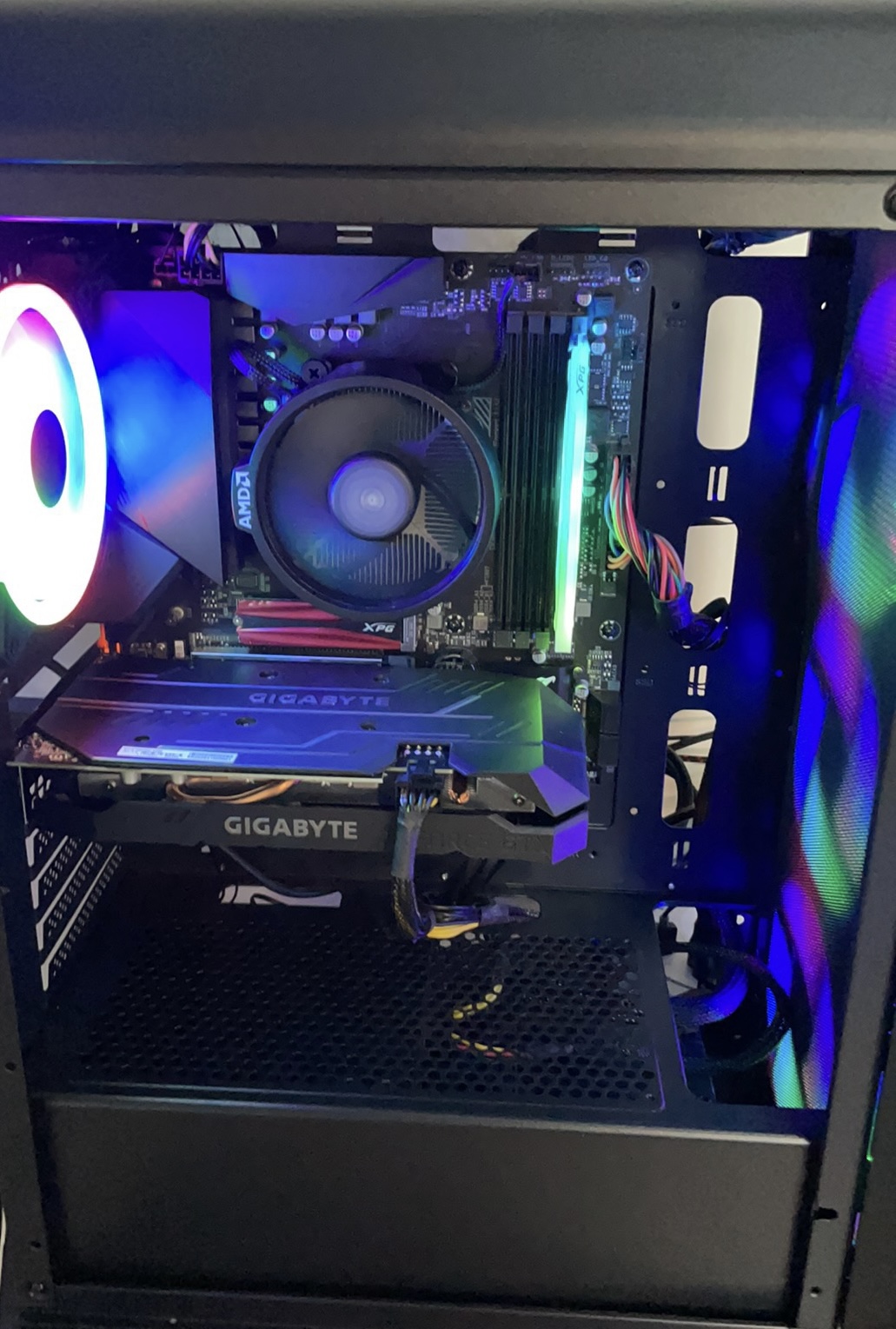
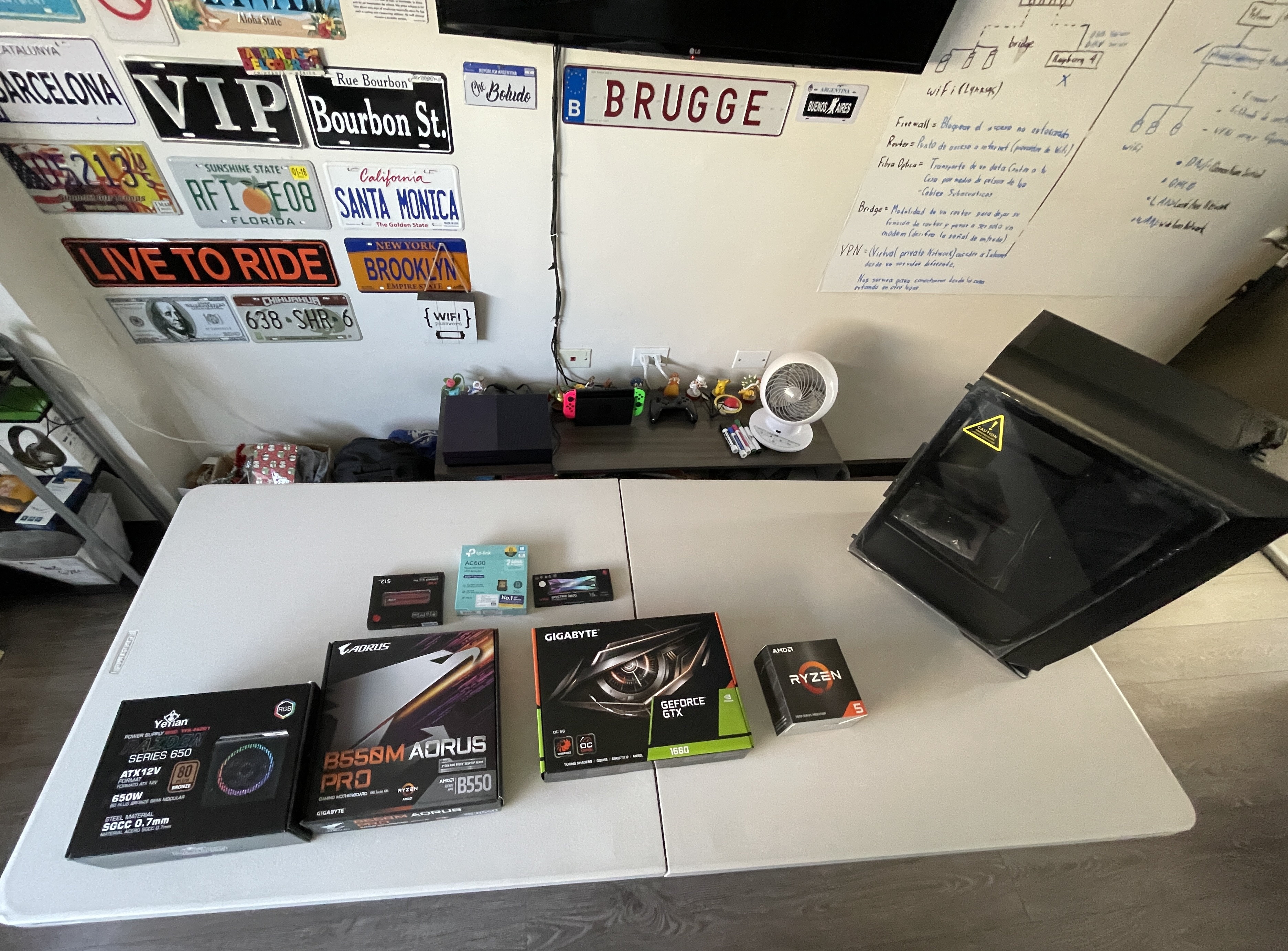
My PC build:
- Processor: AMD Ryzen 5 5600X
- Graphics card: NVIDIA GTX 1660
- Motherboard: AORUS B550M PRO
- RAM: 16GB SPECTRIX D60G x2
- Storage: 512 GB XPG GAMMIX S11 Pro
- PSU: Yeyian Raiden 650W
- Cooler: Castle 240 RGB v2
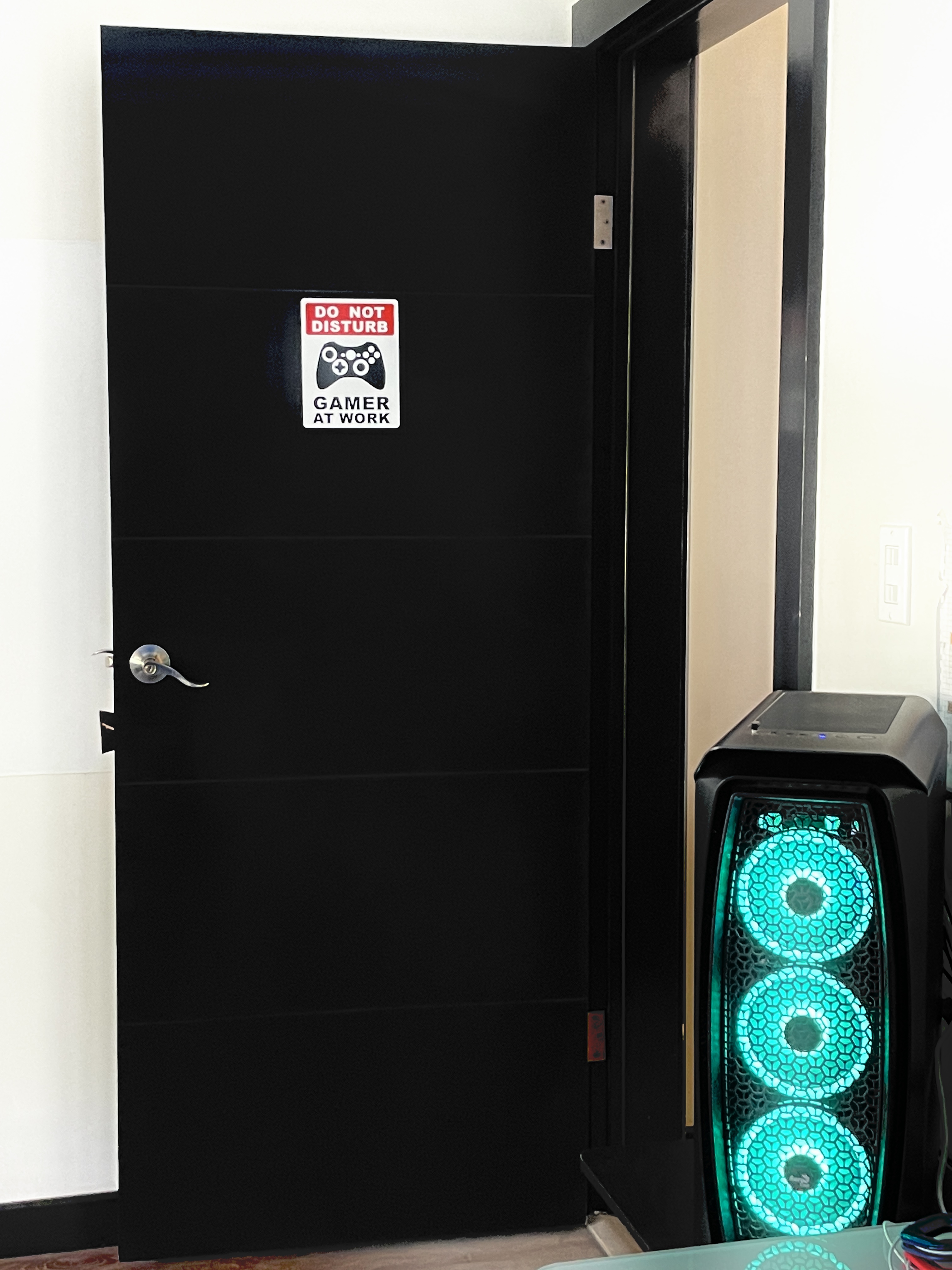
- Case: Aero Cool – Aero One
That’s all for this post about desktop PCs, I hope you enjoyed my first post on my blog, if you are looking for more information you can contact me and stay tuned for other posts. Thank you for reading.
 MaccGenics
Leave a comment